Main Window
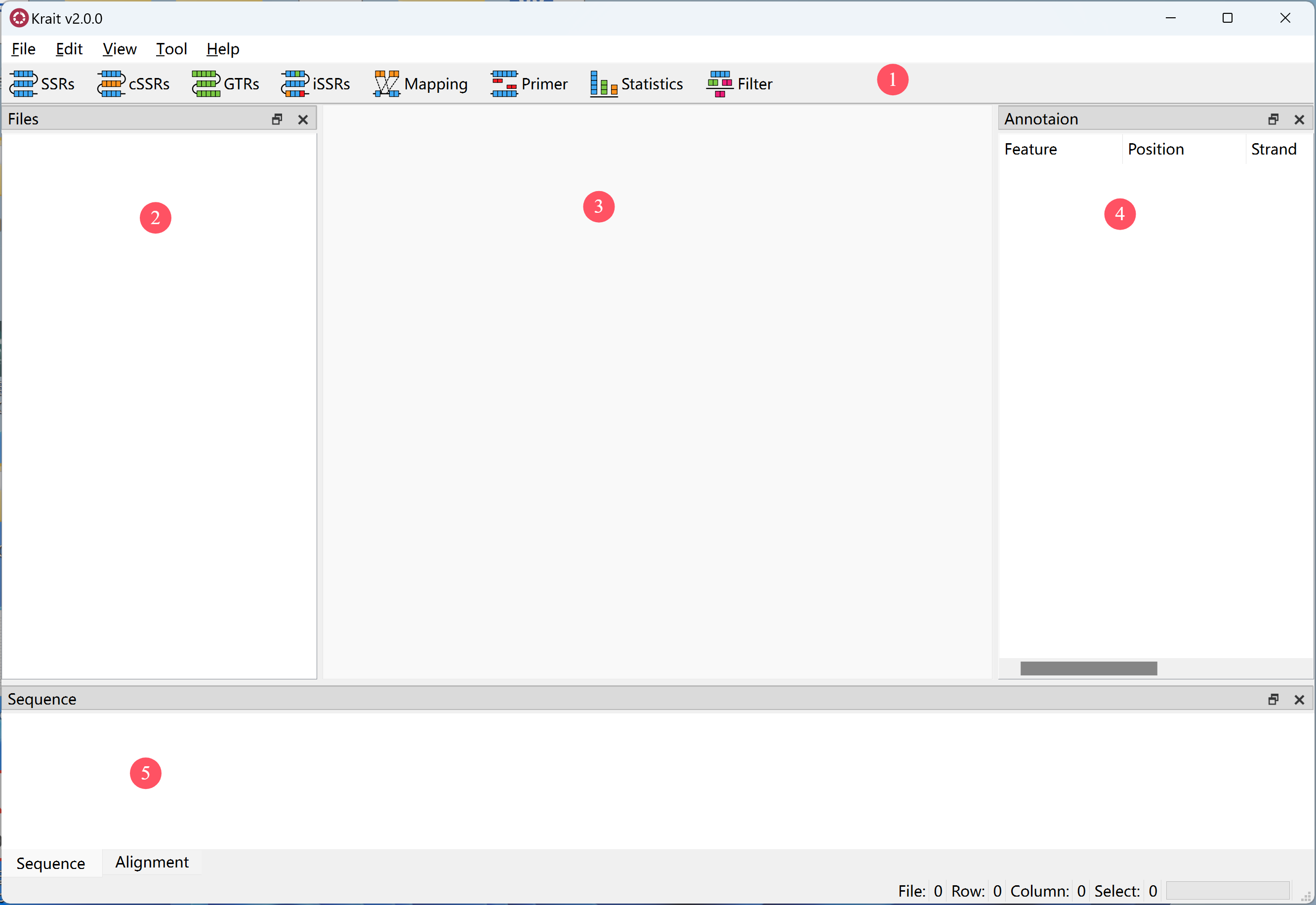
Krait2 graphical user interface is devided in five areas.
1.Toolbar
 search for perfect microsatellites.
 search for compound microsatellites.
 search for generic tandem repeats with any motif length.
 search for imperfect microsatellites.
 mapping microsatellites to gene features such as CDS, UTR, intron.
 design primers for selected microsatellites.
 perform statistics analysis.
 filter the rows in current table.
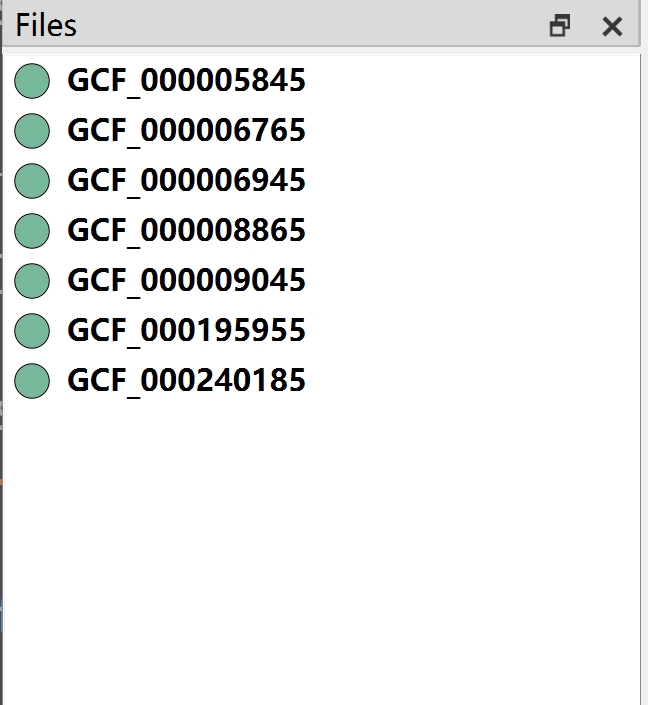
2.Input File List
The imported fasta/q file name will listed in this area.
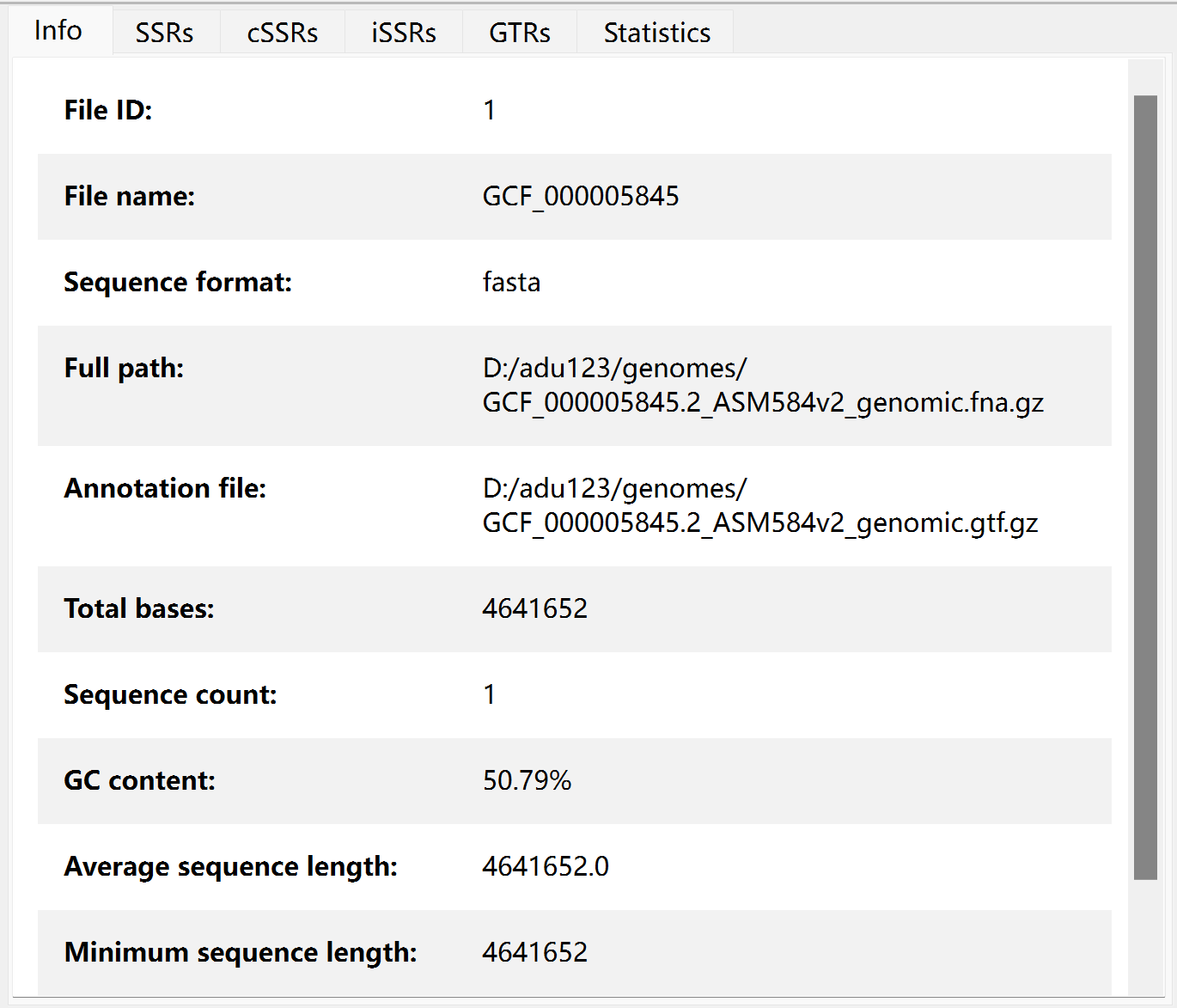
3.Main view
When clicking the file name in input file list, this view will display the corresponding file information, microsatellite tables, primer table and statistics information.
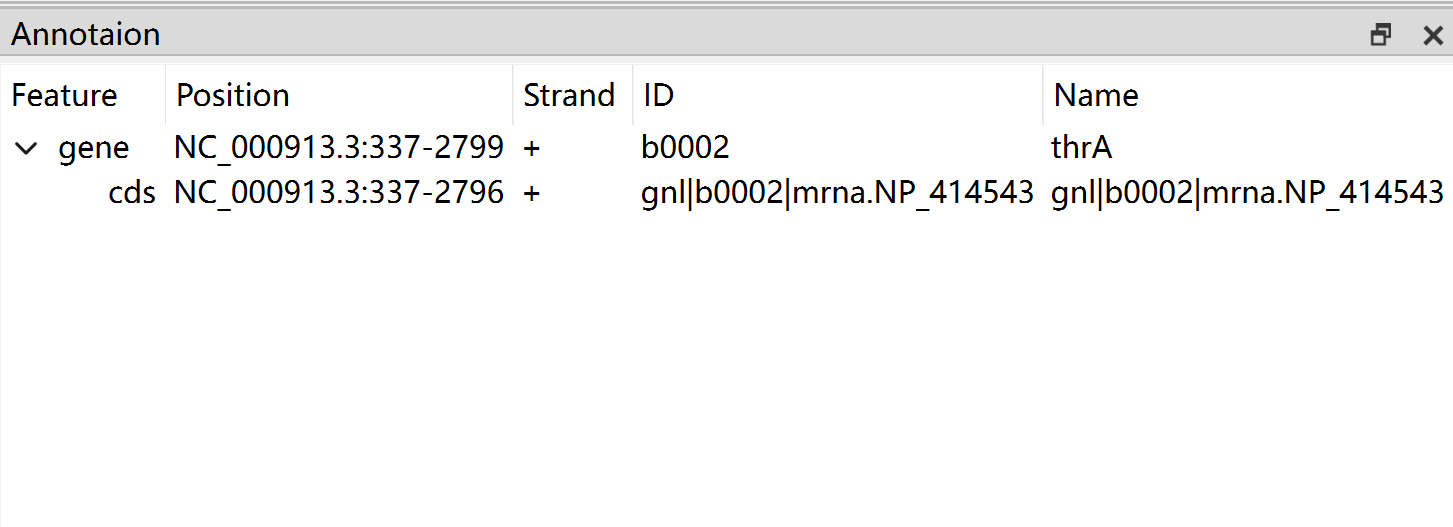
4.Annotation Tree
When there are microsatellites in the current table, click the annotated microsatellites, the annotation tree will display the gene feature information in where microsatellite located.
5.Sequence and Alignment Viewer
When clicking a microsatellite in current table, its sequence and flanking sequence will be displayed in sequence viewer.
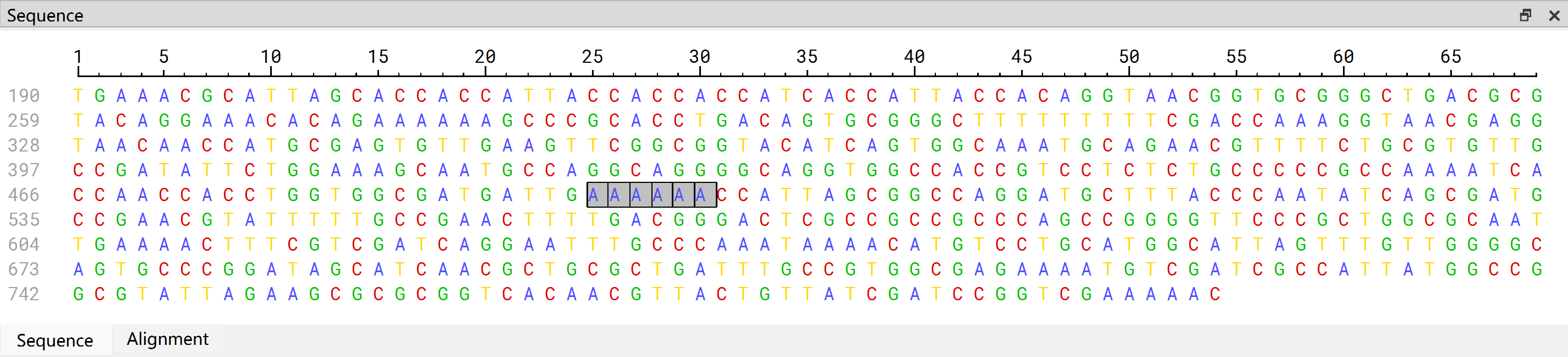
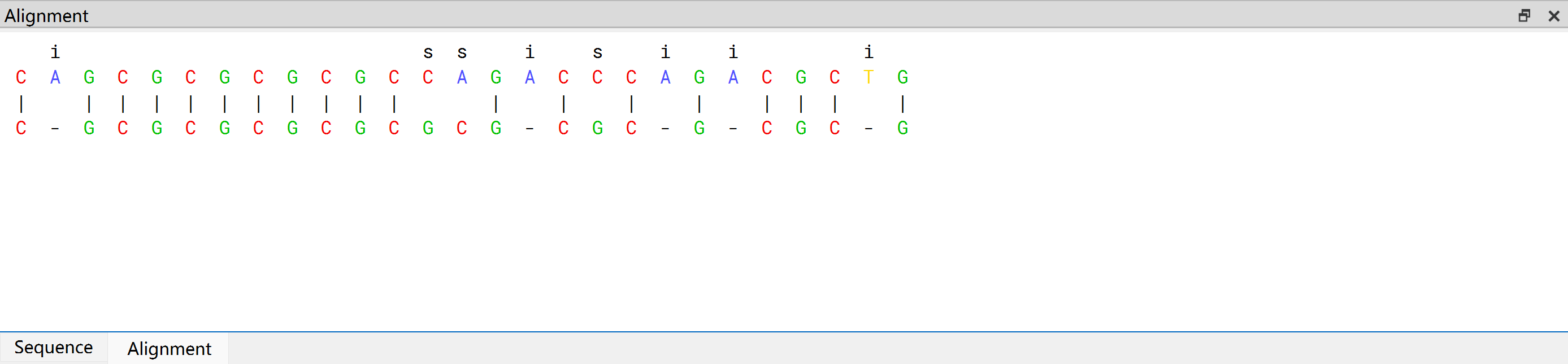
If the clicked microsatellite is imperfect, the alignment between it and the perfect counterpart will be displayed in alignment viewer.