Export Results
Export Result Tables
Krait2 supports exporting results to csv or tsv formatted file.
Go to File menu, click Export selected rows… to export selected rows in current table into a file.
Go to File menu, click Export current table… to export all rows in current table into a file.
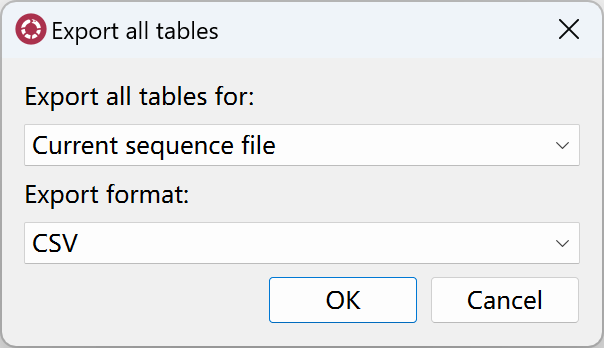
Go to File menu, click Export all tables… to open exporting dialog. You can export all tables for current input file or for all input files. You can also select csv or tsv as output format.
Export Statistics Report
Krait2 allows users to export html formatted statistical report file.
Go to File menu, click Export statistics report… to export html file.